Neptune API tokens
Your Neptune API token is like a password to the application. When logging metadata, the token is used to check if the account is authorized to send the data to the target Neptune project.
Find API token
To find your API token, log in to your Neptune workspace.
From the URL shortcut
When logged in, access scale.neptune.ai/get_my_api_token.
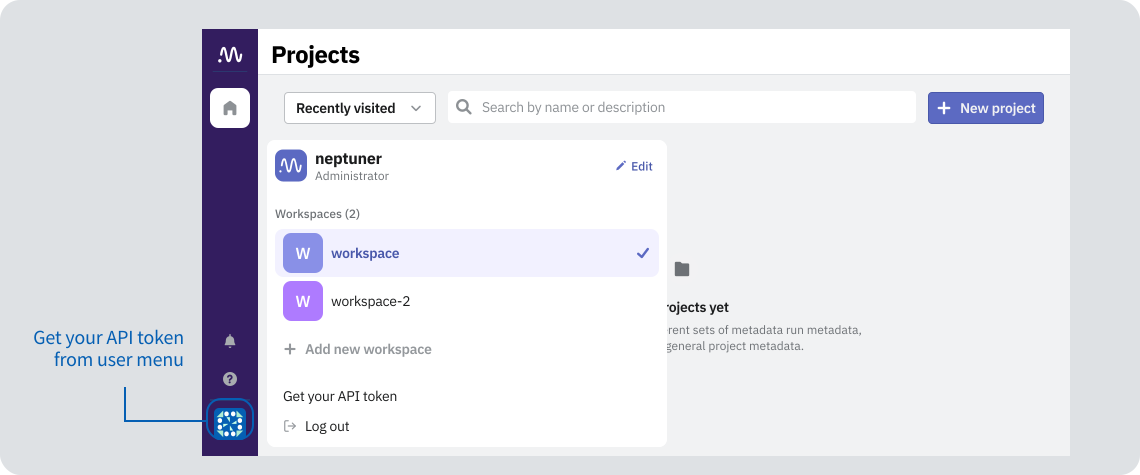
From the user menu
-
In the Neptune app, expand the user menu.
-
Select Get your API token.
From the homepage
- In the Neptune app, go to the homepage.
- From the homepage menu, select Copy API token.
Configure API token
By saving the token to an environment variable, you avoid putting it in your Python code. Configuring your API token is more convenient and secure.
For details, see Save credentials as environment variables.
Shared API token
To use multiple API tokens, create a service account.
Reset API token
You can reset the API token in your account settings.