Load data into Minfx.ai
This guide shows how to load exported data into Minfx.ai.
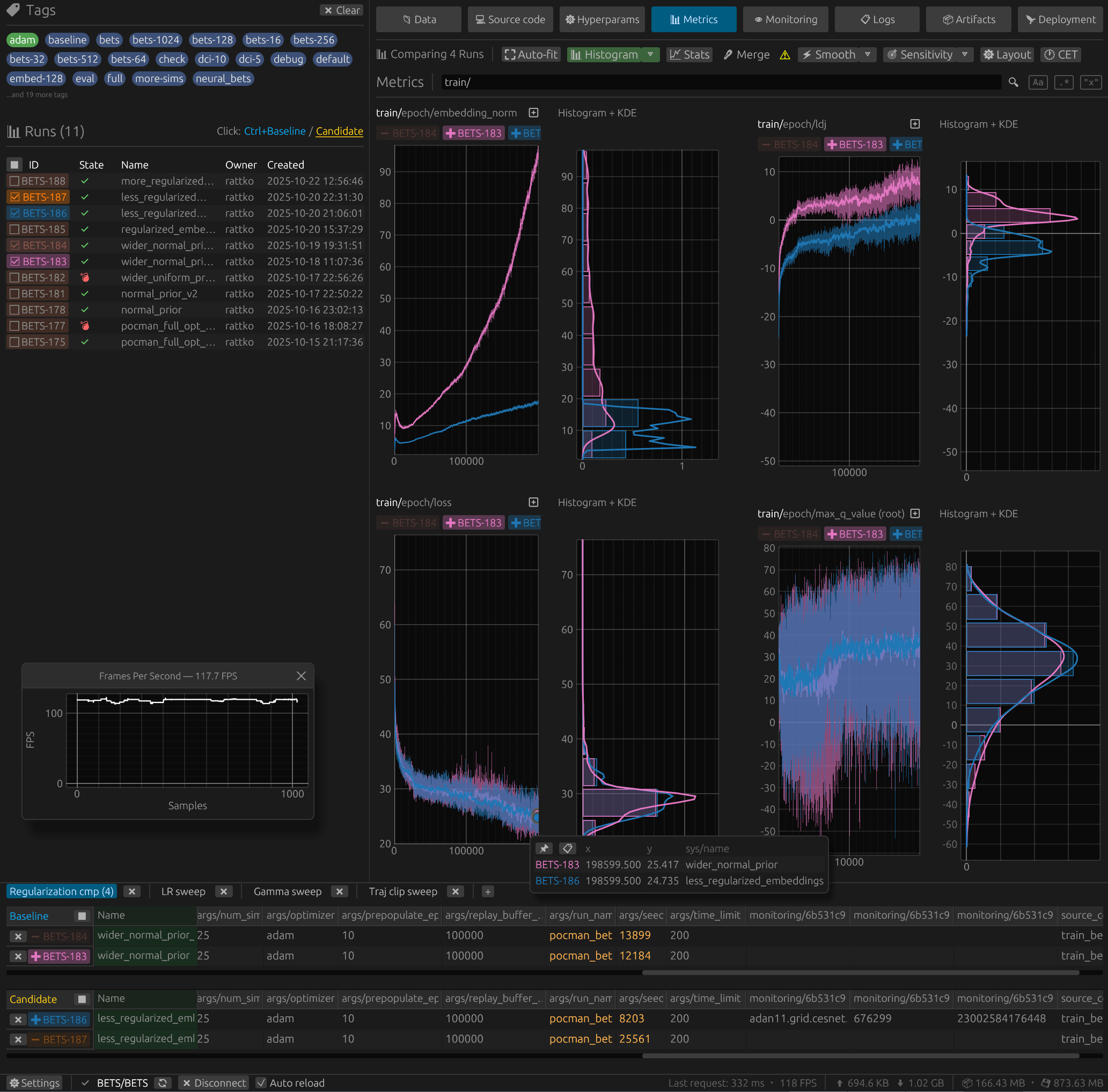
The below image shows an example of run metrics visualized in the Minfx.ai web interface.
Before you start
- Export your data from Neptune using the Neptune Exporter tool. You must run the export command with the
--exporter neptune2flag. Start from the migration overview. - Have your Minfx.ai project and API token ready. You can set them with:
- the
MINFX_PROJECTandMINFX_API_TOKENenvironment variables, or - the
--minfx-projectand--minfx-api-tokencommand-line flags
- the
Validate your export
Before loading the data into Minfx.ai, inspect what was exported:
uv run neptune-exporter summary --data-path ./exports/data
This command returns the number of exported projects or runs, attribute types, and the basic step statistics.
Load the data into Minfx.ai
To use the Minfx.ai loader, ensure minfx is installed:
uv pip install minfx
To load the data into Minfx.ai, use the following command:
uv run neptune-exporter load \
    --loader minfx \
    --minfx-project "target-workspace/target-project" \
    --minfx-api-token "$MINFX_API_TOKEN" \
    --data-path ./exports/data \
    --files-path ./exports/files
info
For detailed instructions, see the Neptune Exporter README file on GitHub.